

Production
BIM Suite
Manage views, sheets, numbering, publishing and family workflows from one Revit toolkit.
- Revit
- Revit20222023202420252026
- Platform
- Windows · Autodesk Revit required
- Price
- Free
- Latest release
- v1.0.0.0
BIM Suite brings production and family-management commands together in one Revit add-in.
WHAT IT DOES
What you can do
Revit users preparing drawing packages or maintaining project families.
- View Manager and Sheet Manager
- View alignment and renumbering
- PDF and DWG publishing
- FamilyForge parameter standardization
- CAD-to-family mapping
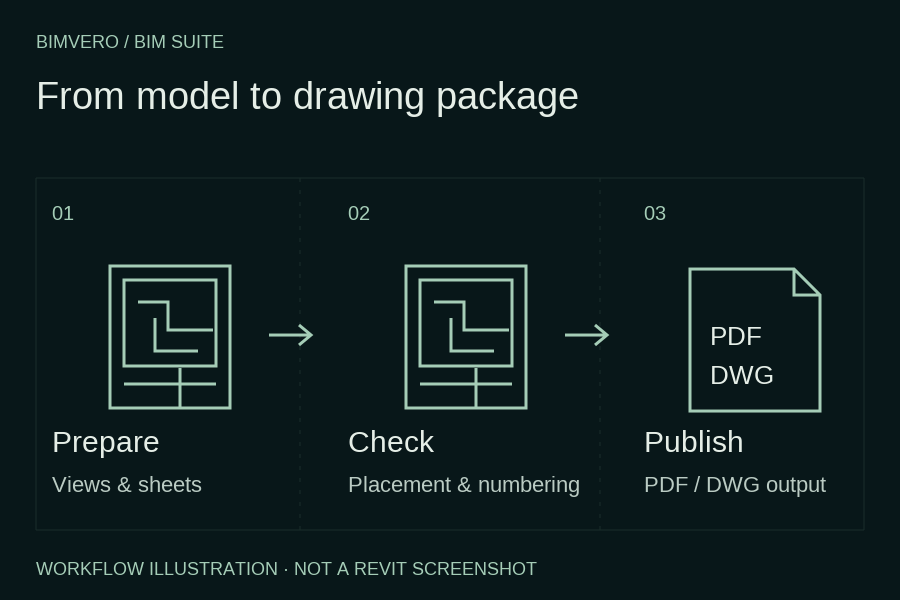
- Prepare view names and sheet data in the same toolkit.
- Use a reference viewport to keep selected view placements consistent.
- Publish the selected drawing set and review its PDF/DWG files.
Views & sheets
Search, duplicate and rename views. Create sheets from Excel, or export existing sheet data and import edited names and numbers.
Placement & numbering
Align selected views to a reference viewport position. Renumber elements along a path or in the order you pick them.
Publishing
Select views or sheets and configure PDF or DWG output, naming and destination. Review the exported files before issue.
FamilyForge & CAD mapping
Review and standardize family parameters. Map CAD block locations to Revit family instances using your block-to-family assignments.
- Start with
- A Revit project with views and sheets; selected families or a CAD drawing for the family tools.
- Output to review
- Updated views, sheet data and viewport positions; selected PDF/DWG exports. Family tools work separately on parameters or mapped family placements.
PREVIEWS
Workflow & examples
Workflow illustrations explain the tasks and outputs. They are labelled separately from any product captures.
IN PRACTICE
A typical workflow
- Start with a saved project copy and a small set of views or sheets.
- Use View Manager or Sheet Manager to prepare the required names, numbers and views.
- Choose a reference viewport for alignment, or pick a path/order for renumbering; check the model after changes.
- Select the prepared sheets, publish PDF/DWG output and open the files to check the drawing package.
Requirements for this workflow
- FamilyForge and CAD mapping are separate workflows; publishing does not standardize families automatically.
- CAD placement requires a selected drawing and your block-to-family mapping. Review placement in the model.
- Revit 2022 has different IFC parameter options from Revit 2023 and later.
What you receive
Available installers are free. Sign in with a verified email address to download for your version of Revit. Free releases require no licence key or subscription.
Return to My add-ins for updates and other available Revit versions.
Questions about BIM Suite
Are all family parameter editors identical across Revit years?
Revit 2022 uses the IFC text parameters available in that version. The newer built-in IFC export choices require Revit 2023 or later.
Does publishing also prepare my sheets?
Prepare and check the sheet set with the production tools first. Publishing exports the selected views or sheets using the chosen settings.
Need a different workflow?
Explore custom Revit automation and BIM services for requirements beyond the published plug-ins.